Move around
Guide the pointer through paths, around corners, and toward a goal.
Mouse skills grow with practice. Our quick, cheerful games help kids get the hang of moving, clicking, and dragging—one little win at a time.
Each game focuses on one familiar action, so learners can take their time, find a rhythm, and feel the progress.
Guide the pointer through paths, around corners, and toward a goal.
Tap the right spot, then try a double-click when the game is ready.
Learn to keep the button down while the pointer stays in motion.
Pick up a shape or treasure, move it, and let go where it belongs.
Kids explore bite-sized challenges at their own pace. The activities begin with simple pointer movement and build toward more involved mouse actions.
Give the targets a click to collect them.
No instructions to memorize. Just move the pointer, choose a target, and celebrate each one you catch. That's the spirit of Mouse Moves.
Put together a play path that fits your class, then keep an eye on how students are doing. It's a simple way to support practice without taking the fun out of it.
An example of the saved scores and progress teachers can follow with the teacher plan.
Students can always jump in for free. Teacher tools are there when you want to guide and follow the practice.
Little games for learning mouse skills, at school or at home.
More ways to guide the practice and see how it's going.
Short games introduce the building blocks of mouse use: moving a pointer, clicking, double-clicking, pressing and holding, and dragging and dropping.
Yes. Students can jump straight into the games. There is no student signup, and student play is always free.
The $4/month teacher plan lets teachers arrange a play path and save and follow student scores. Students continue to play free.
Absolutely. Families can use the same short, friendly activities to help children get comfortable with the mouse at their own pace.
Pick a quick game and let confidence take it from there.
Play a mini gameทุกเกมออกแบบให้ฝึกทักษะทีละน้อย เล่นจบได้ใน 5-10 นาทีต่อครั้ง
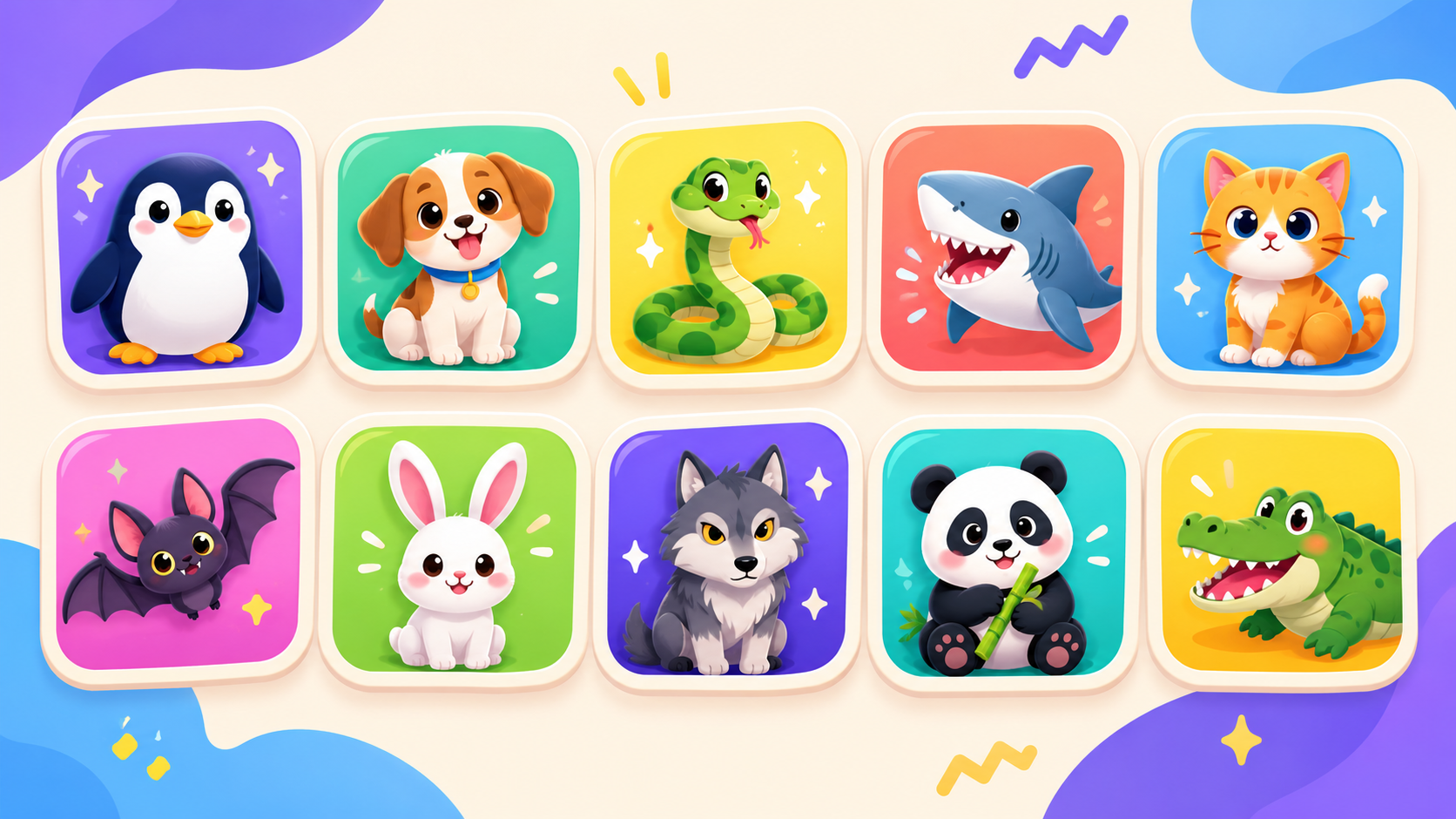
สัตว์น่ารัก หรือน่ากลัว
เกมทดสอบไหวพริบ! คลิกซ้ายเลือกสัตว์น่ารัก คลิกขวาเลือกสัตว์น่ากลัว มาวัดคะแนนกัน!
เปิดกล่องขนมมหัศจรรย์
ดับเบิลคลิกที่กล่องขนม เพื่อดูว่าข้างในมีอะไรอยู่
ลากผลไม้ใส่ตะกร้า
ลากผลไม้ใส่ตะกร้าให้ถูกชนิด เพื่อฝึกทักษะการจำแนกประเภท
ลากเส้นตามหาเงาผลไม้
ลากเส้นตามหาเงาผลไม้
ลากวงล้อมบอล
ลากวงล้อมบอล
วาดวงล้อมบอล
วาดวงล้อมบอล
ล่าลูกบอลกระเด้ง
คลิกที่ลูกบอลที่กระเด้งไปมาบนหน้าจอก่อนที่จะหายไป
ตามสีที่ถูกใจ
คลิกที่วัตถุที่มีสีที่ตรงกับคำสั่งที่ปรากฏบนหน้าจอ เช่น คลิกที่ลูกบอลสีแดงเมื่อมีคำว่า แดง ปรากฏขึ้น
ตามหาผลไม้คู่แฝด
เลือกภาพผลไม้ที่เหมือนกันทั้งหมดโดยกด Ctrl และลากเมาส์
ตามหามดน้อยน่ารัก
คลิกที่รูปแมลงขนาดเล็กที่ปรากฏบนหน้าจอ
ขับรถผ่านเขาวงกต
นำรถยนต์วิ่งผ่านเขาวงกตโดยไม่ชนขอบ
เดินตามเส้นทางขนมหวาน
เลื่อนเมาส์ตามทางเดินที่คดเคี้ยว โดยให้ขนมไปถึงปลายทาง
ลากของขวัญและกดกริ่ง
ลากของขวัญไปวางในที่ที่กำหนด และคลิกเปิดกล่องขนมในเวลาเดียวกัน
คลิกดาวตามคำสั่ง
คลิกที่ดาวตามที่กำหนดโดยคำสั่งที่ปรากฏขึ้นแบบสุ่ม
คลิกทันใจก่อนหายไป
คลิกที่ปุ่มภายในเวลาที่กำหนดก่อนที่ปุ่มจะหายไป
ตามหาของเล่นข้ามหน้าจอ
เลื่อนเมาส์จากหน้าจอหนึ่งไปยังอีกหน้าจอหนึ่งเพื่อค้นหาของเล่นและนำกลับมาวางในที่ที่ถูกต้อง